How to Access the Shopping Cart
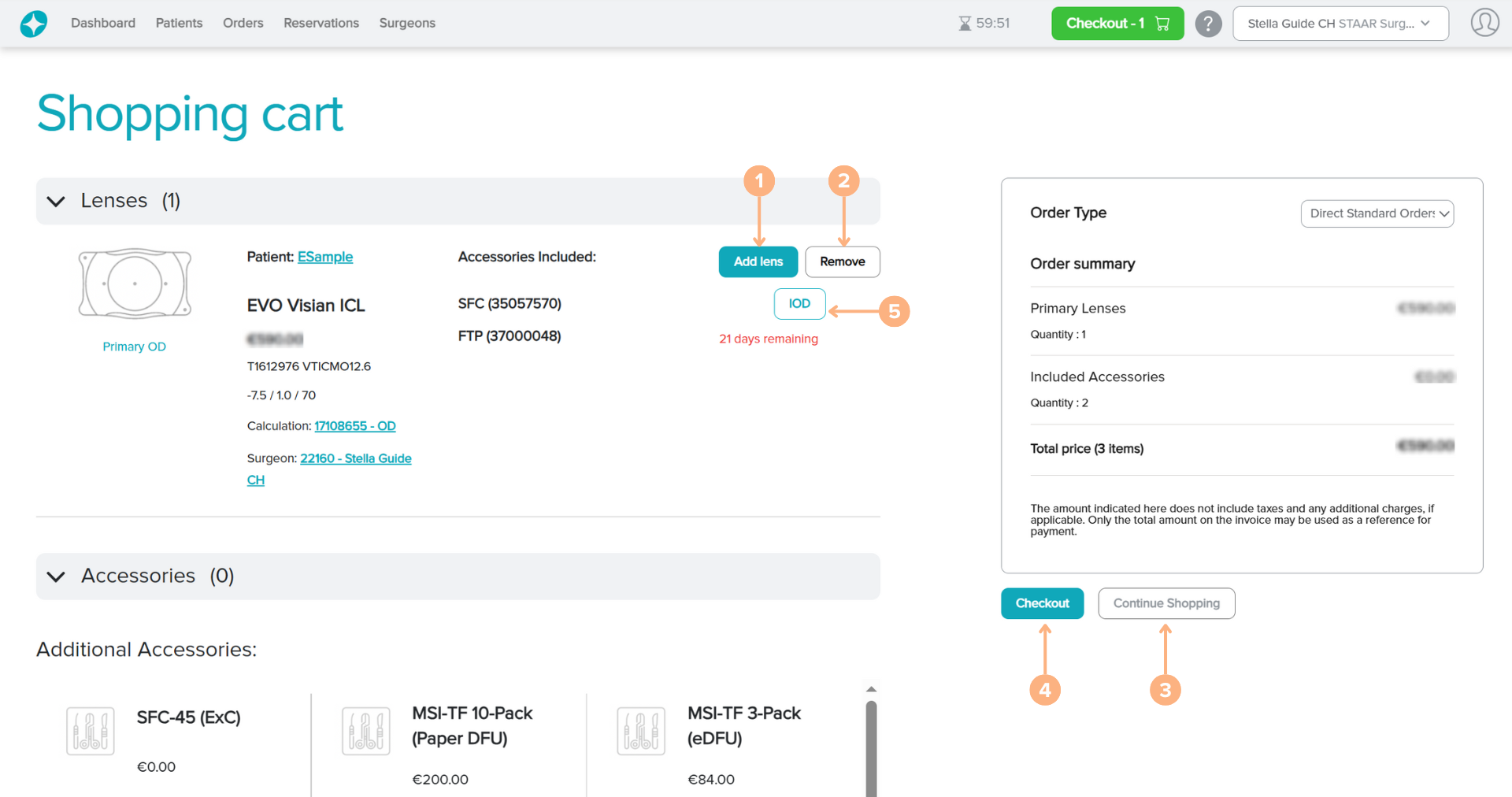
When you are done adding lenses or manufactured lenses to your cart, you may proceed to the Shopping Cart to view all the lenses. To view your shopping cart, click the green Checkout button, available on the top right of the navigation bar.
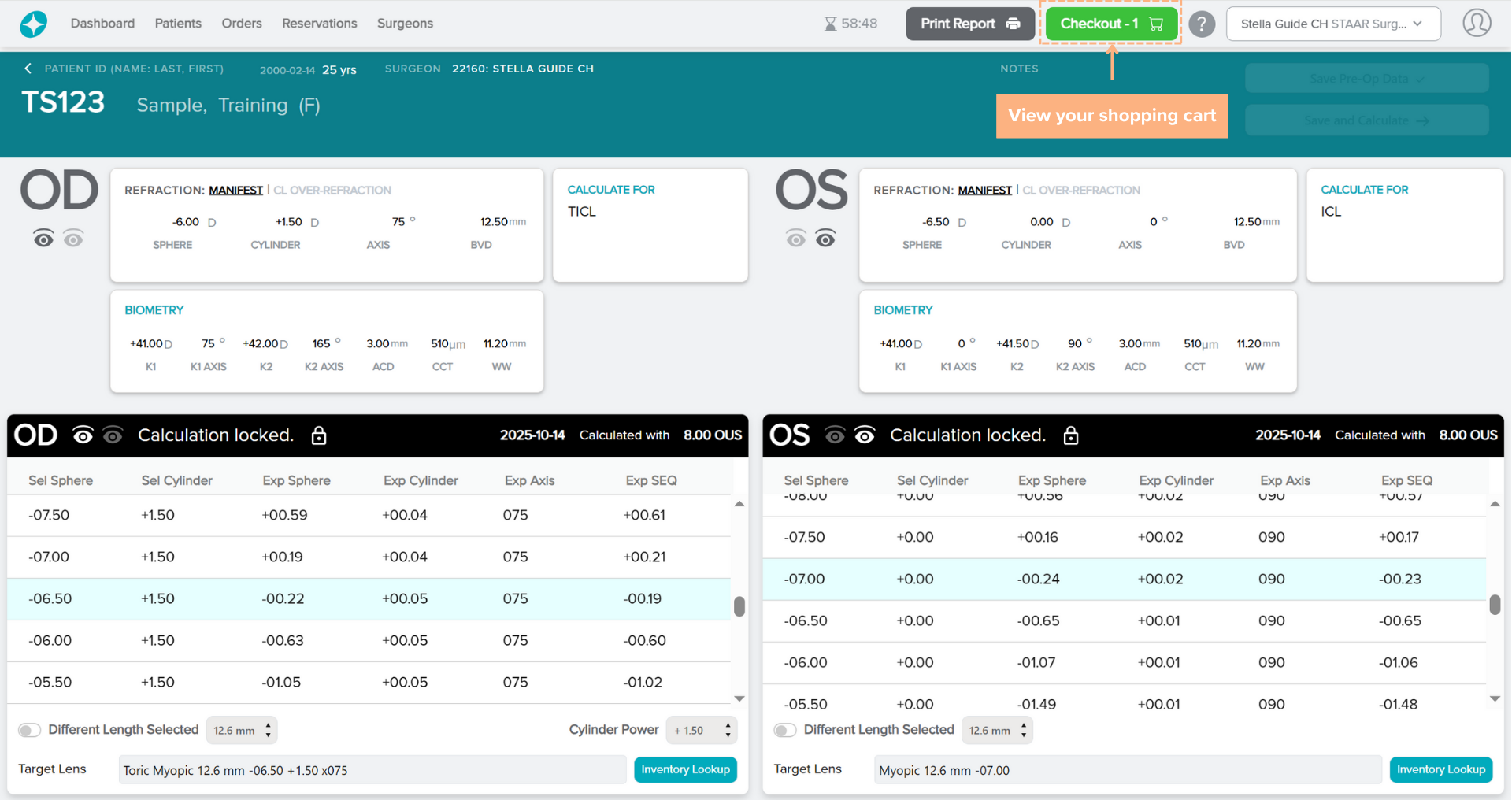
On the Shopping Cart screen, you can view all the lenses and accessories (if applicable) in the order. Lenses that are added to the cart can remain in the shopping cart for up to 21 days. If the lenses are not checked out in 21 days, the lenses will be automatically removed from the shopping cart
Note: Lenses in the shopping cart, except for manufactured lenses, are automatically reserved. When a lens is removed from the Shopping Cart, the lens remains in the Reservations list, and can be added to the cart again or the reservation canceled in the future. 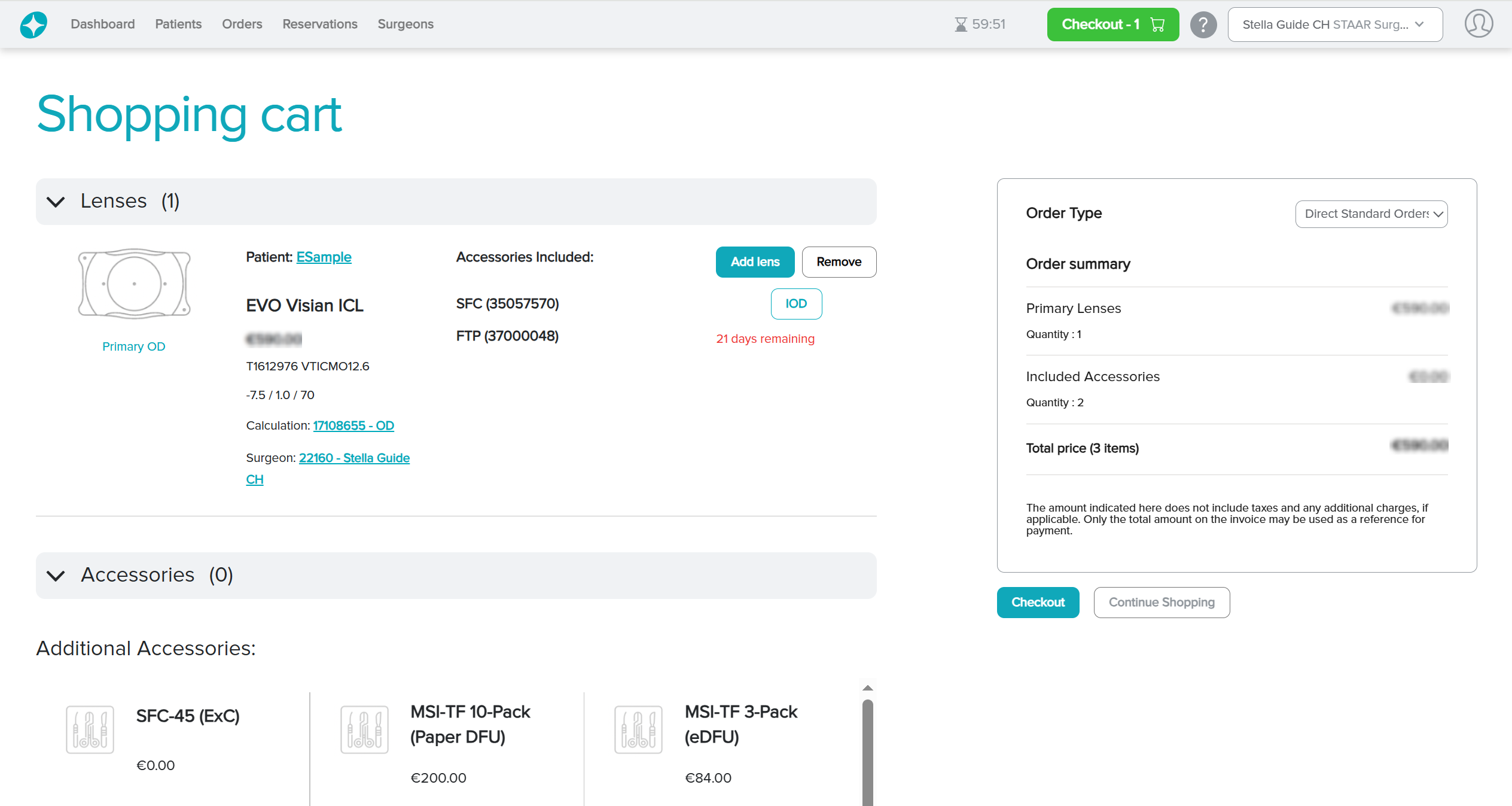
Featured Buttons
1. Add lens *if applicable: add more lenses to the cart for the same calculation
2. Remove: remove the lens from the shopping cart
3. Continue shopping: continue shopping for other patients in the same transaction
4. Checkout: proceed to the checkout process to place the order
5. IOD/SID: prompt the IOD/SID screen pop-up. From the screen, you can generate the IOD/SID