How to Checkout your Lenses
When you are ready to checkout the lenses in your shopping cart, follow these steps:
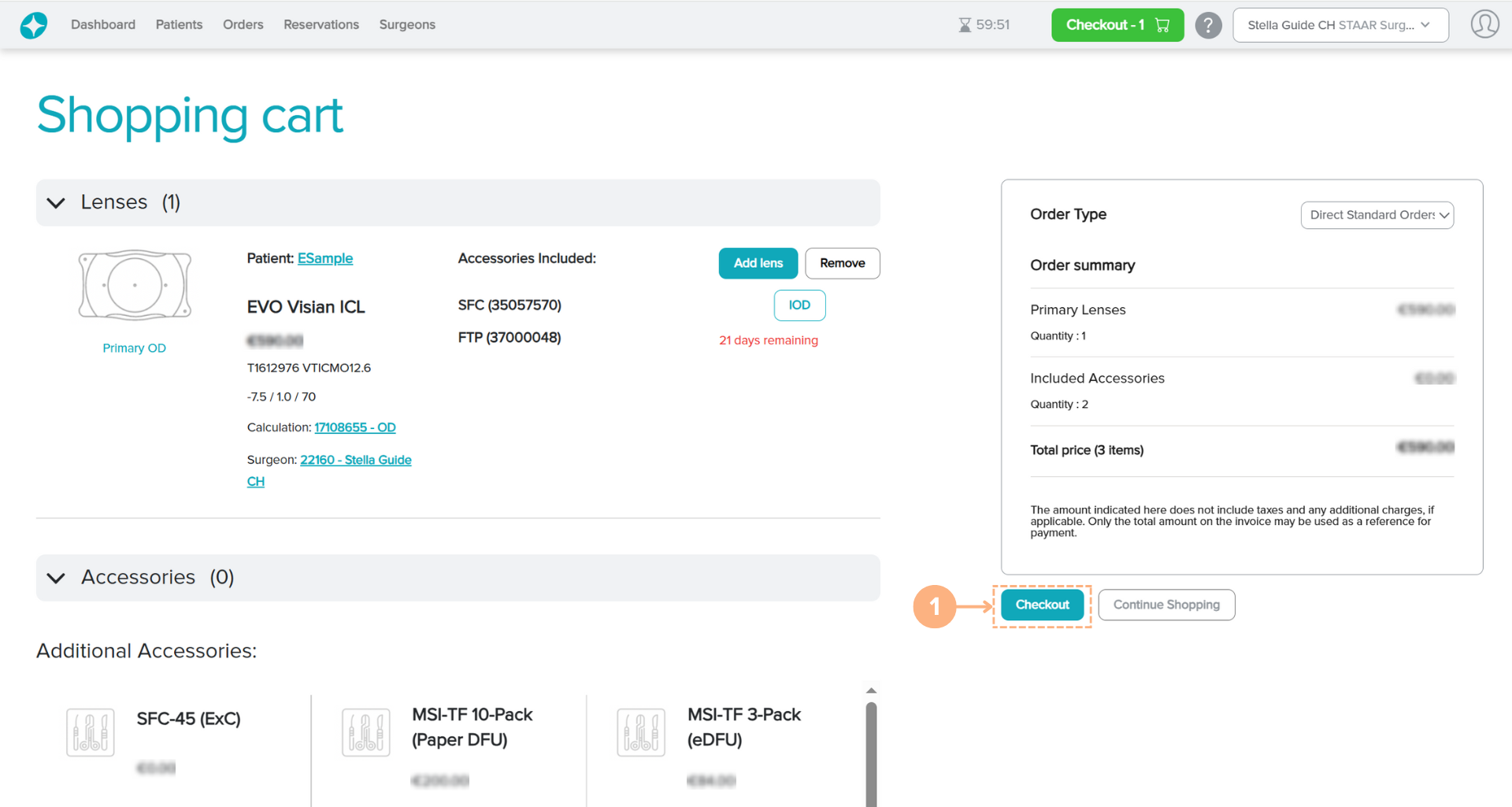
- On the Shopping cart screen, click on the Checkout button.
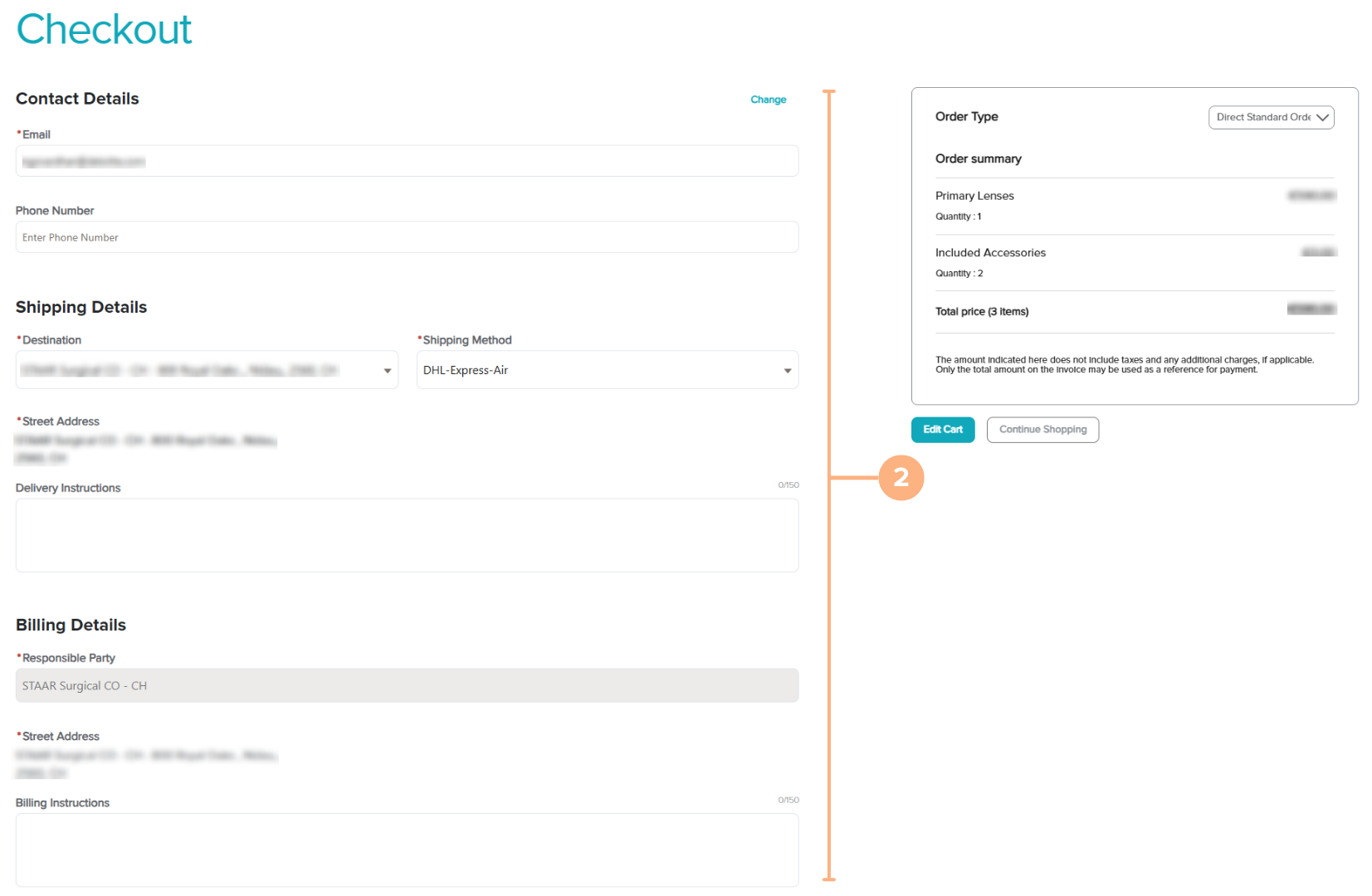
Confirm or change the information for Contact, Shipping, and Billing Details.
Note: You may add instructions regarding the delivery and billing as necessary.
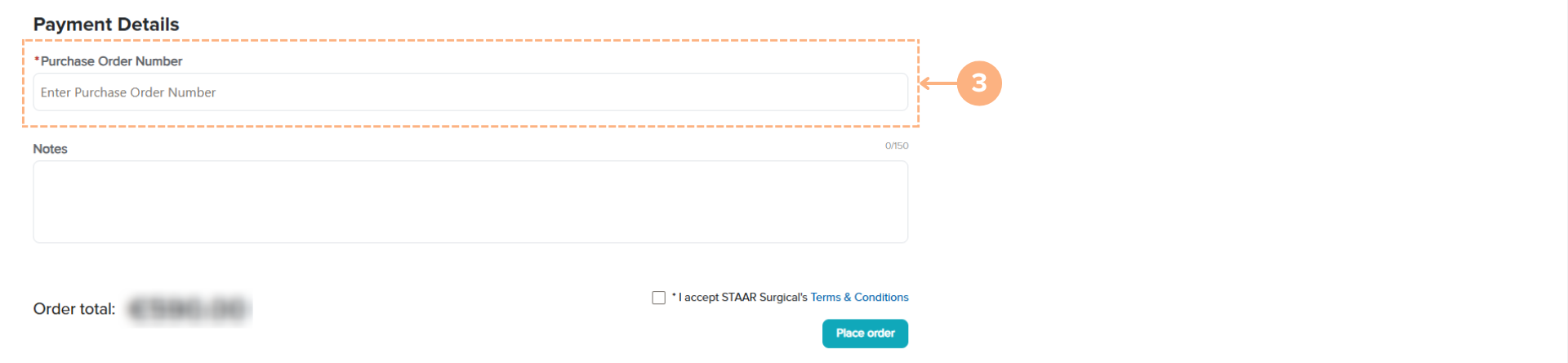
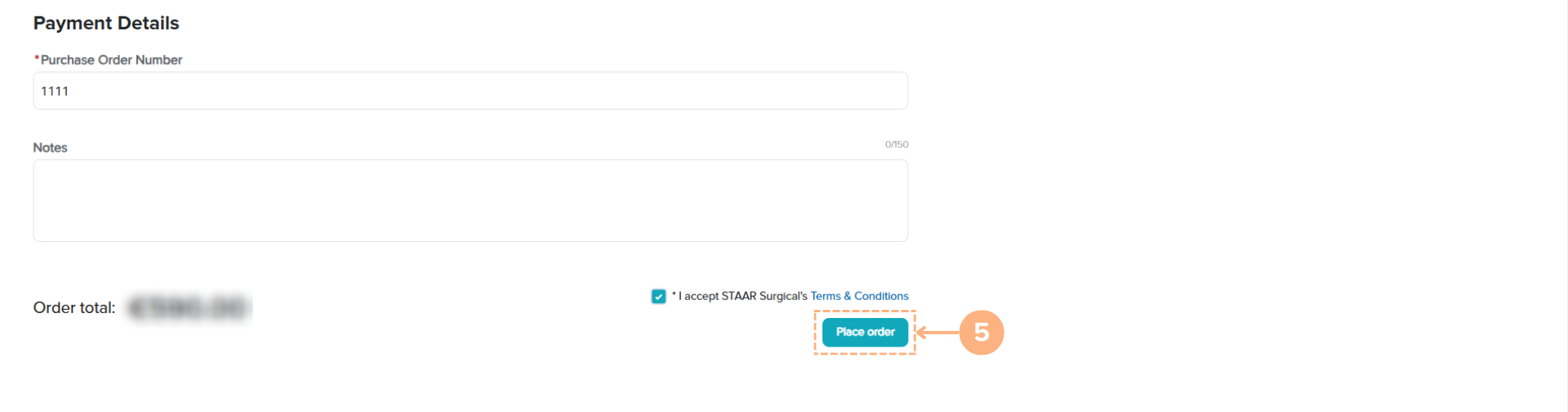
For Payment Details, enter the Purchase Order Number.
Note: You may add notes regarding the payment details as necessary.
When you are ready to complete the checkout process, click on the checkmark box to accept STAAR Surgical’s Terms & Conditions.
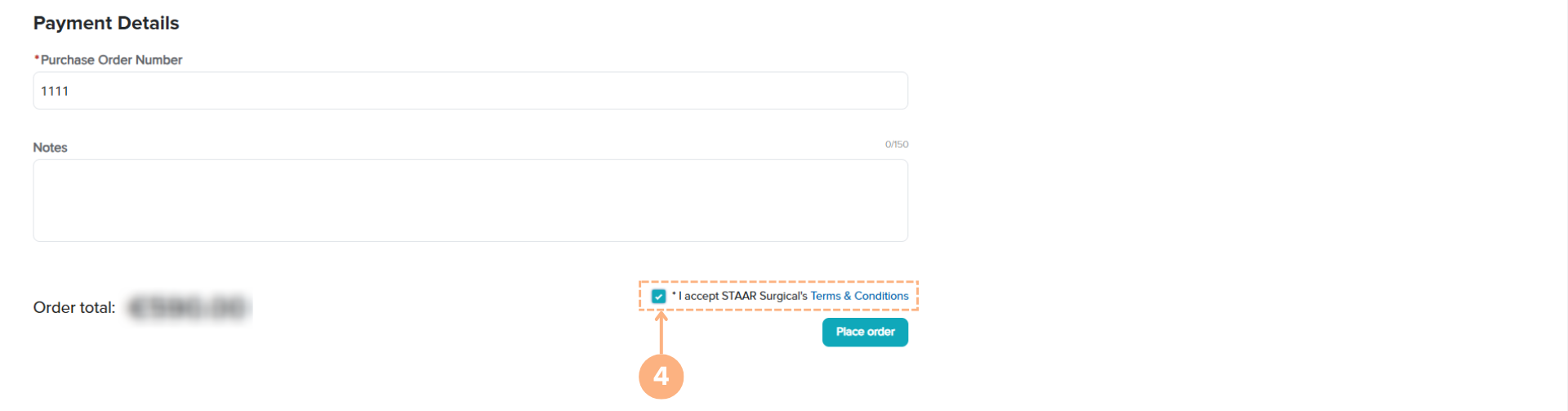
- Click on the Place order button, to complete the checkout process.
How to Cancel your Ordered Lenses
If you need to cancel your order, please contact the Customer Service Department at customerservice.ag@staar.com.