Access Detailed Pages
The Reservation Details page contains hyperlinked texts that you can click to view more detailed information on the Patient Details, Calculation, Surgeon Details, and Order Details (if applicable).
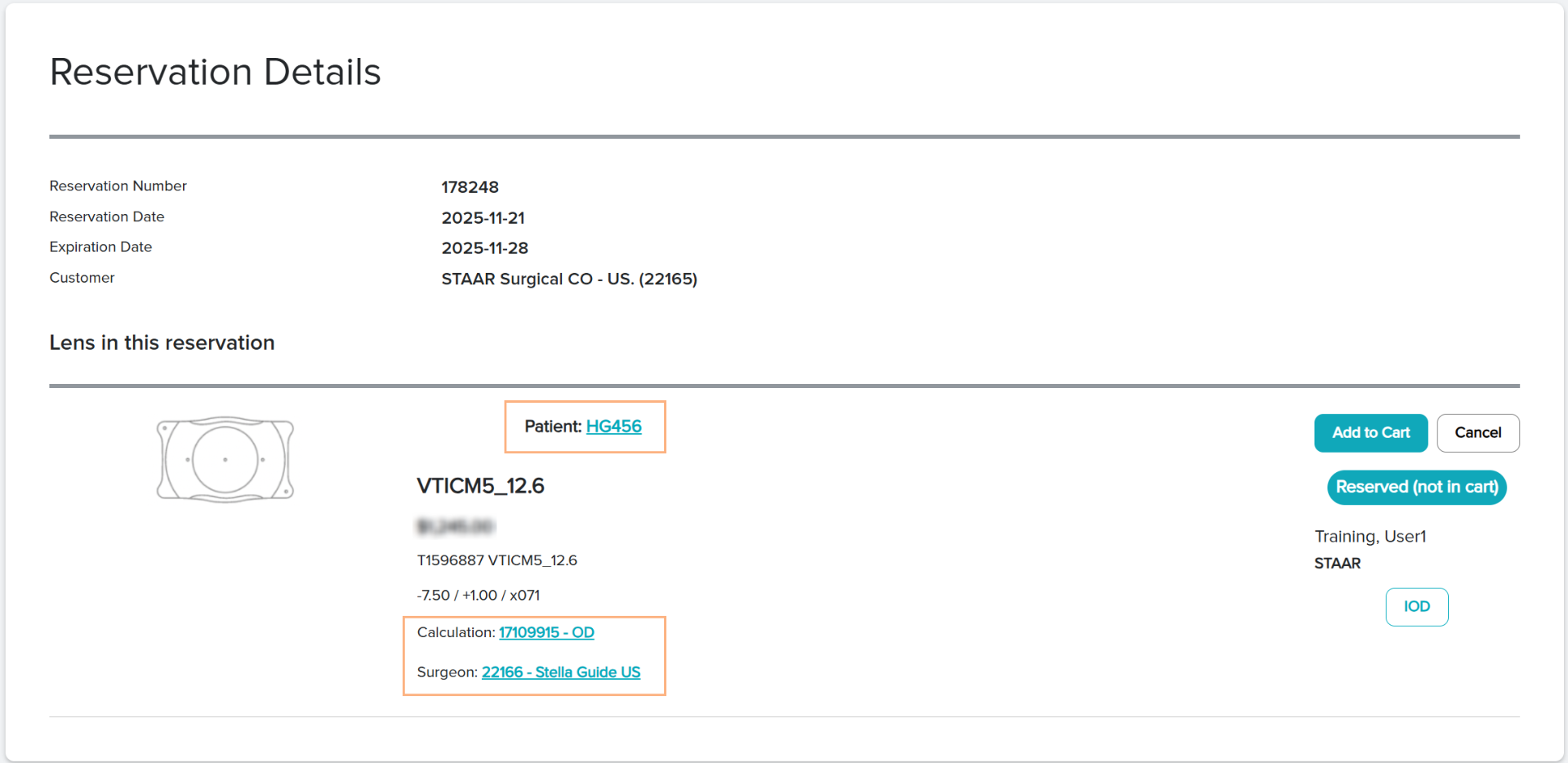
Note: For reservations imported from OCOS, the calculation is locked and cannot be accessed through the hyperlinked text. However, imported OCOS calculations may be copied into a new set of pre-op data. Refer to How to Copy a Saved Pre-Op Data to a New Set.
Featured Buttons
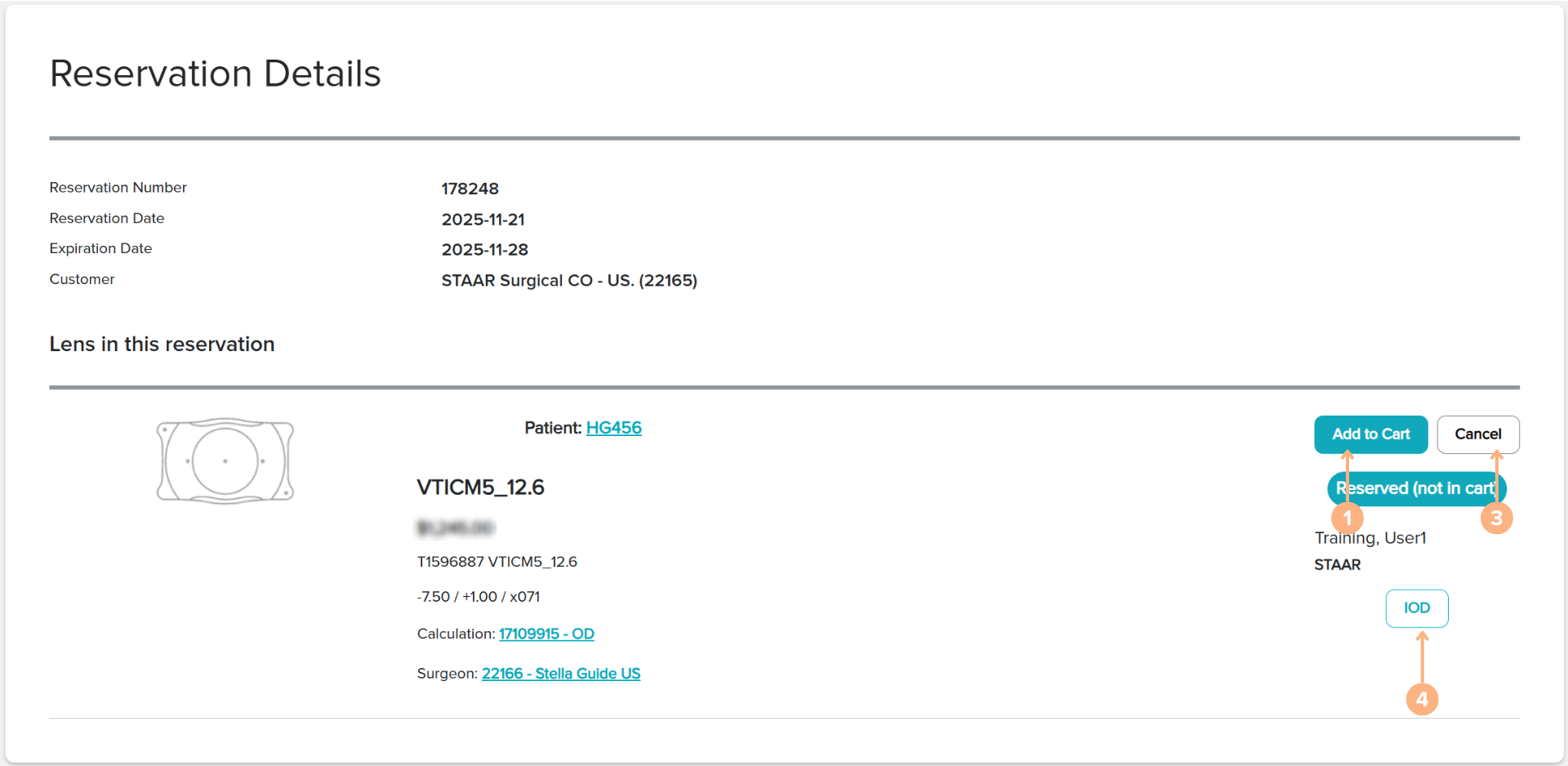
- Add to Cart: adds the lens in reservation to cart
- Remove from cart (when applicable): remove the reserved lens from shopping cart
- Cancel: cancels the lens in reservation
- IOD/SID: prompt the IOD/SID screen pop-up. From the screen, you can generate the IOD/SID
Status Indications
On the reservation details page, the status indicates the current placement of the reservations. The possible status for reservations are:
- Reserved (not in cart): the reservation has been placed successfully. The lens will remain in reservation for up to seven days.
- Reserved (in cart): the lens in reservation is currently placed in the shopping cart for order.
- Ordered: the reservation has been placed for order.
- Expired: the reservation passed its expiration date.
- Canceled: the reservation is canceled.