Access Detailed Pages
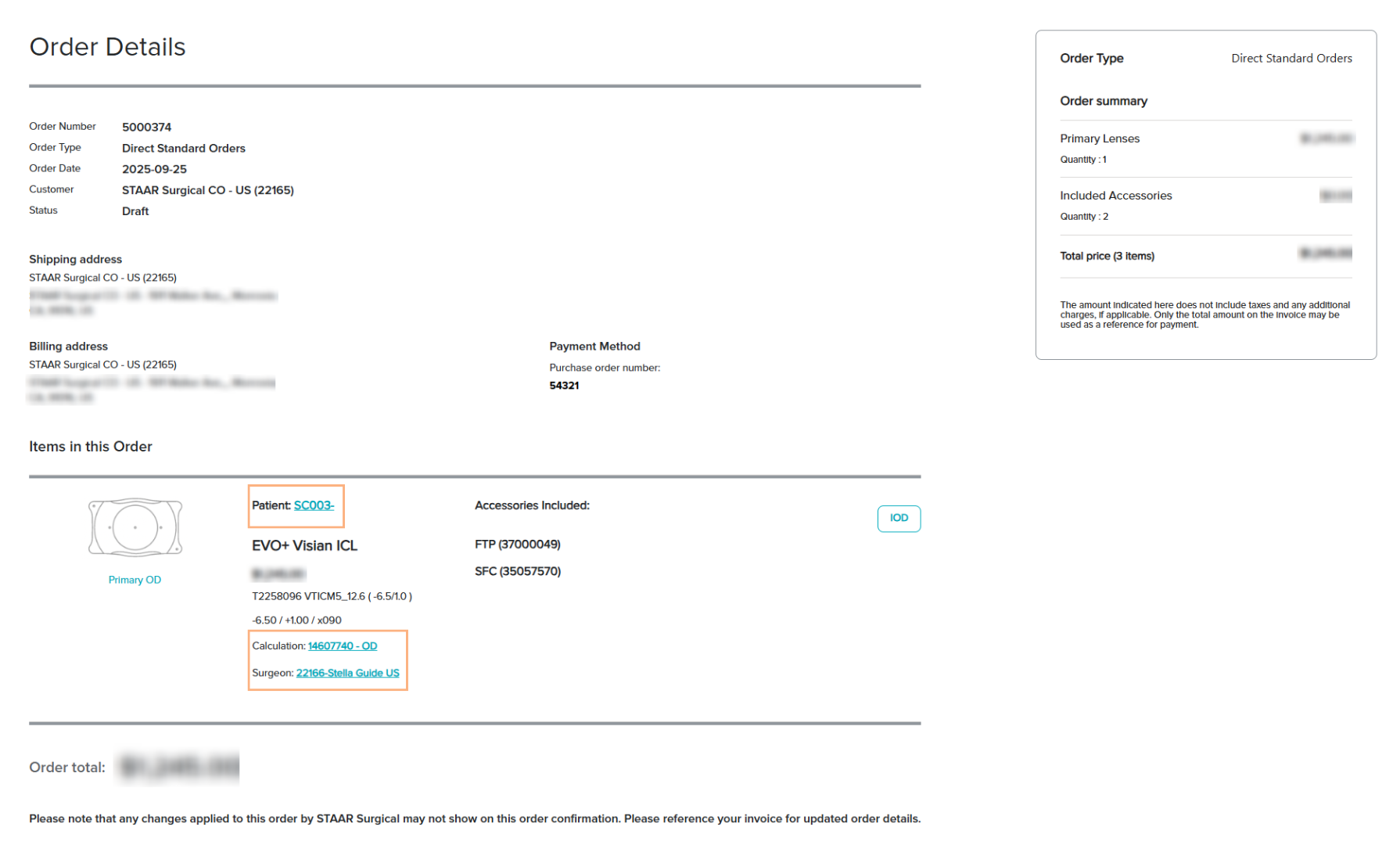
The Order Details page contains hyperlinked texts that you can click to view more detailed information on the Patient Details, Calculation, and Surgeon Details.
Note: For orders imported from OCOS, the calculation is locked and cannot be accessed through the hyperlinked text. However, imported OCOS calculations may be copied into a new set of pre-op data. Refer to How to Copy a Saved Pre-Op Data to a New Set.
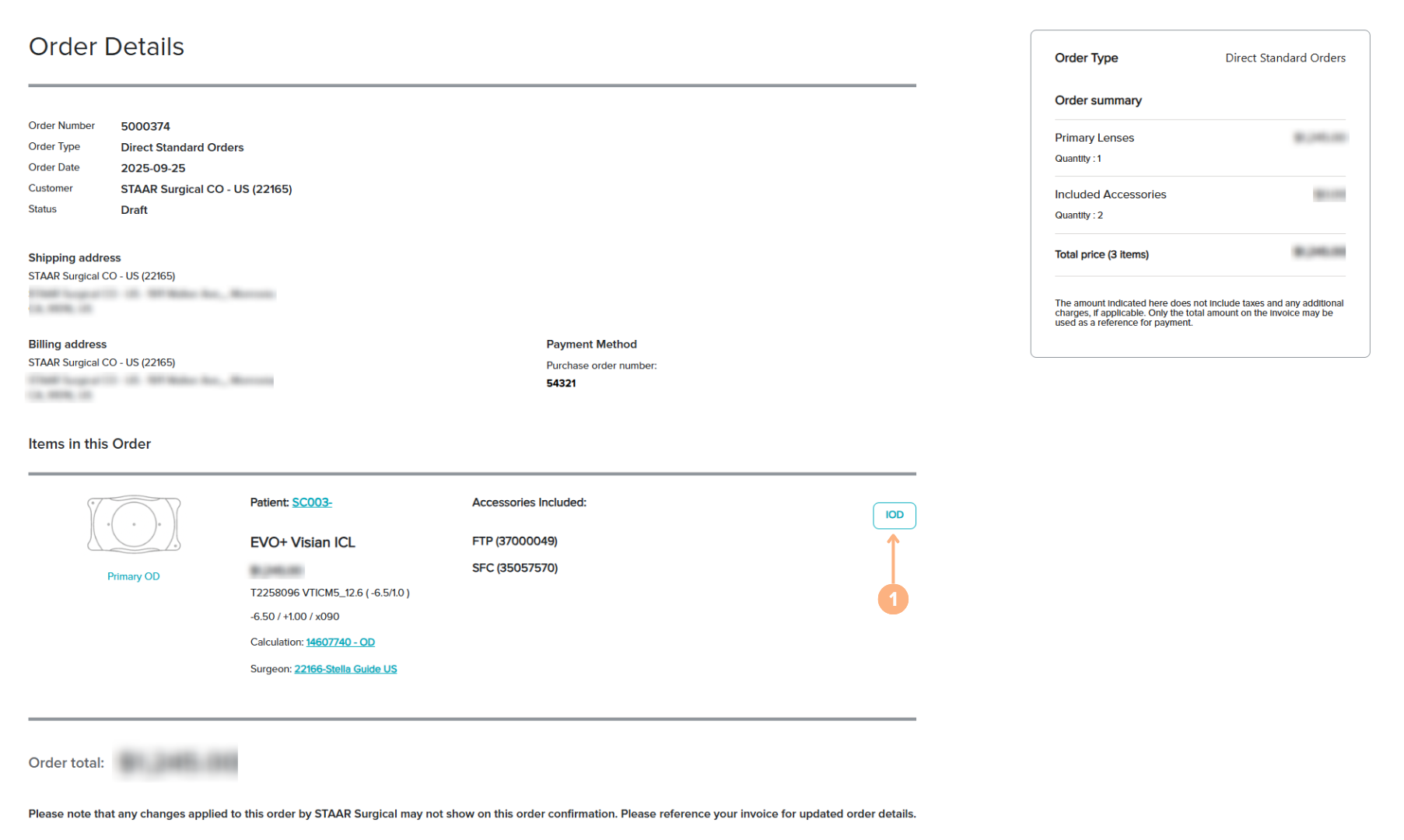
Featured Button
1. IOD/SID: prompt the IOD/SID screen pop-up. From the screen, you can generate the IOD/SID.
Please note that any changes applied to this order by STAAR Surgical will not show on this order confirmation. Please reference your invoice for updated order details.
Status Indications
- Ordered: the order is placed
- Draft: the order is placed and has received a Stella Order Number
- Credit Review Pending *if applicable: occurs if the cost exceeds the account’s credit limit
- Processing: the customer service team is working on the order
- Shipped: the entire order has been shipped
- Partially Shipped *if applicable: part of the order has been shipped
- Closed: shipped orders have been picked up
- Canceled: the order has been canceled